Phonic Docs
  • Tutorials
  • Docs
  • Contact

›Survey Components

Tutorials

  • How to Create an Audio Survey
  • Embed Microphone in a Webpage
  • Embed a Full Survey
  • Integrate With Decipher
  • Integrate With Qualtrics

Survey Components

  • Question Types
  • Stimuli
  • Timers
  • Randomization
  • Survey Logic
  • Duplicating Surveys & Questions
  • Deleting Data

Collaboration

  • Sharing and Exporting
  • Email Notifications

Analytics

  • Analytics
  • Transcription
  • Data Visualization
  • Google Analytics

Timers

When creating a survey question, there is an option to add a time requirement which indicates how long the respondent must record audio. If you wish to add a time requirement to a question, check the box and enter your desired time in seconds.

time requirement

This feature is useful for ensuring that the data collected is detailed and insightful. It encourages respondents to elaborate and provide longer responses.

Timers can also be used in combination with Stimuli to verify that a respondent views a video stimuli fully or observes stimuli for a minimimum amount of time.
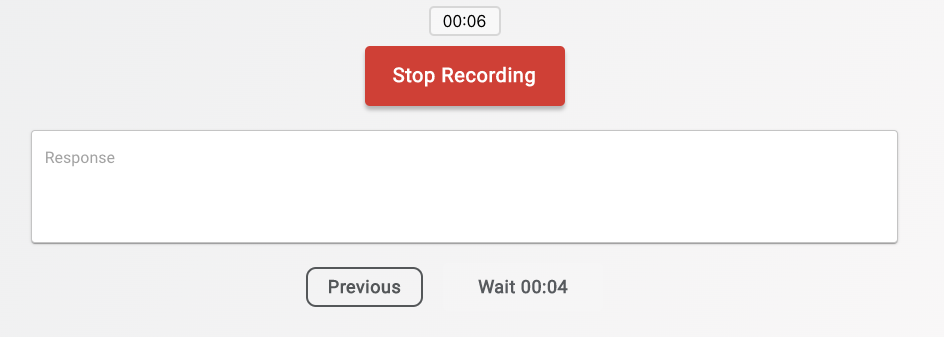
timer in survey

← StimuliRandomization →
Phonic Docs
Tutorials
Create An Audio SurveyCreate An Embedded SurveyIntegrate with Other Platforms
Docs
Question TypesStimuliTimers
-
Follow @PhonicAI
Copyright © 2021 Phonic Inc.