Sharing and Exporting
Download Survey Data
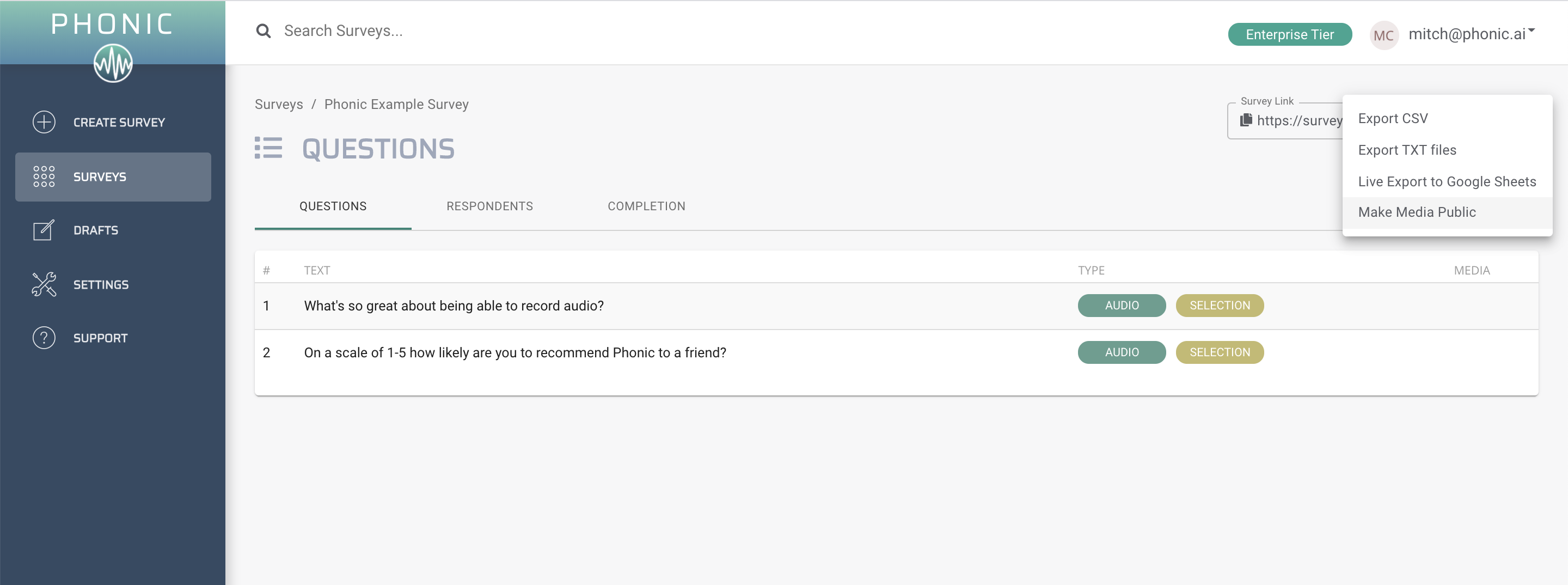
Survey data can be downloaded at any time using the “Export Data” button in the survey page. Data is exported in CSV format which can be opened by any spreadsheet software.
Make Audio Public
Sharing large audio files can be a real pain, so Phonic provides a link to a hosted audio player for sharing data between people. In order to make audio public, select on your desired survey and select “Make Audio Public”. This will allow you to share play links freely.
Live Google Sheet
Survey results can be synced to a live Google Sheet. Permissions to edit and view this sheet are up to you, making it an easy way to share live survey results. This feature is available for Enterprise users.